
Claude Whiteboards: What They Are and How to Use Anthropic's Shared Board
Claude Whiteboards is Anthropic's beta shared whiteboard, launched November 10, 2026, that turns a spoken or typed brain dump into a board of diagrams, flows, and groups you and your team edit with Claude. Included in all paid plans on web, desktop, and mobile; turn a board into a doc, deck, PNG, or send it to Miro or Lucid.
View 3 referencesAllow the functional cookie to save your likes. Privacy details
What Are Claude Whiteboards?
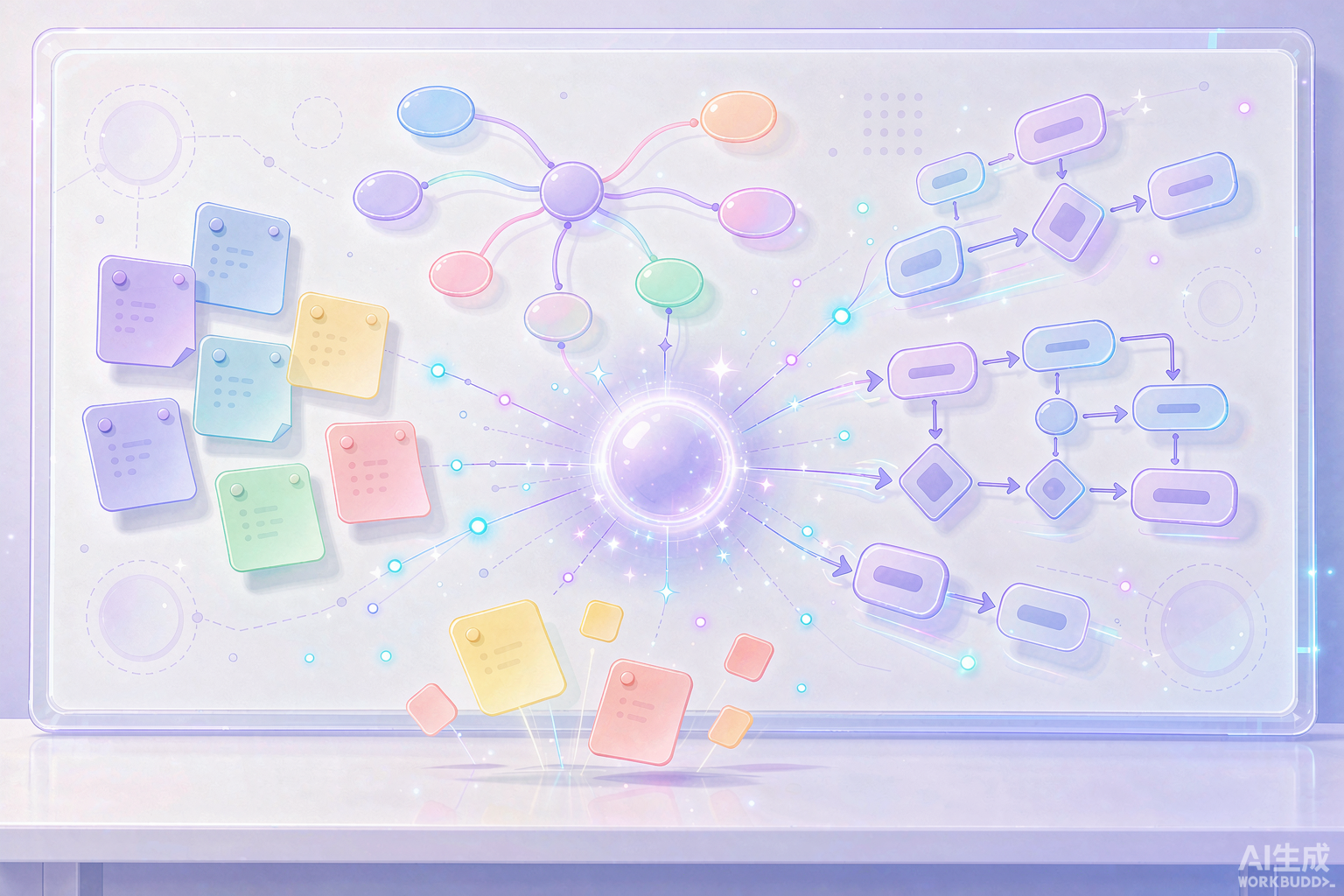
Claude Whiteboards is a shared, AI-powered whiteboard from Anthropic that lets you and your team think through ideas together with Claude. You can talk, type, or sketch, and Claude organizes your input into diagrams, flows, and groups on the board. Anthropic calls Claude Whiteboards "a shared board for thinking through ideas with Claude," and technically every board is an artifact that you, your team, and Claude work on together.
The idea behind Claude Whiteboards is that before you know the final shape of a plan, a flexible board beats a blank document. Use the board to plan a product launch, map the options for a decision, or run a retro. Once the structure is settled, Claude Whiteboards can turn the board into a doc or deck.
Is Claude Whiteboards a Real Anthropic Feature?
Yes. The search term matches the official name exactly, so there is no naming mismatch to clarify. Anthropic introduced Claude Whiteboards on November 10, 2026, in a product update titled Introducing Claude Whiteboards, Claude Sheets, and Claude Data. In that release the feature arrived in beta alongside Claude Sheets, while the older Claude Dashboards became generally available under the new name Claude Data. A second official post, More ways to work with Claude: Sheets, Whiteboards, and Interactive Connectors, lists the board as one of several new artifact types.
There is no separate product called "Claude Whiteboard" in the singular. The official name is plural, Claude Whiteboards, and Anthropic's own help article is literally titled Get started with Claude Whiteboards.
Why Claude Whiteboards Are Getting Attention
Claude Whiteboards solve a familiar problem: teams used to copy Claude's output into another tool before they could brainstorm or collaborate on it, and Claude lost visibility into later edits. With these boards, the work stays inside Claude, so teammates can keep editing it together and Claude keeps the context.
Because Claude Whiteboards are artifacts, an idea can move from a board to a spreadsheet and then to a dashboard without anyone restating the background. That continuous context is the main reason these tools are being discussed alongside Claude Sheets and Claude Data as a single workflow.
How to Start a Claude Whiteboard
From any chat
Ask Claude for a whiteboard inside a conversation. Anthropic's examples include "Start a whiteboard to plan our product launch," "Put the options for this decision on a whiteboard, with the trade-offs of each," and "Map this process on a whiteboard from start to finish." That is the fastest way to start a board.
From the Artifacts tab
Open the Artifacts tab, select the Whiteboards tile (labeled "Whiteboard"), then describe what you want to work through and send it. Every board you create is saved in the Artifacts tab, so boards are always easy to find again.
By dictating a brain dump
You can dictate a messy plan, a list of options, or a rough process instead of typing. Select the microphone next to the send button, speak, then press Escape or the microphone again to stop; your words remain in the box and can be sent to Claude. Dictation follows your browser's language and supports more than twenty languages, including English. Typing and sketching also work, so boards accept several input styles.
How to Work on Claude Whiteboards with Claude and Your Team
Once a board exists, you can keep shaping it with simple requests:
- Reorganize: ask Claude to regroup the board by theme or turn the board into a timeline.
- Find gaps: ask what is missing between two steps; Claude adds suggestions to the board for you to check.
- Focus on one area: drag a box across a region to ask Claude about only that part of the board.
Collaboration is live. Everyone on a board can rearrange what is there and can follow a teammate around the board to see what they are viewing. To bring people in, open the board and click "Share"; people outside your organization can join by email. On Team and Enterprise plans, "Email invitations outside your organization" must be enabled in Organization settings > Artifacts.
Turning Claude Whiteboards into Docs, Decks, and Other Tools
When the thinking is done, ask Claude to turn the board into a doc or deck, for example "Turn this board into a project plan." To keep working elsewhere, use "Send to," which supports Lucid, Miro, and Vani by Zoho. To save a local copy, click "Share," go to "Export," and choose PNG.
You can add pictures and videos to a board, but you cannot import a board from a file. This export flexibility is another reason these boards fit into existing team workflows rather than locking ideas in one place.
Claude Whiteboards vs. Artifacts, Projects, Sheets, and Data
Claude Whiteboards are a type of artifact, not a replacement for Artifacts. Artifacts remain the broad category for documents, slide decks, designs, and custom builds, while boards focus specifically on free-form, collaborative brainstorming. Boards are stored in the Artifacts tab and their on/off switch lives under Organization settings > Artifacts.
| Feature | What it is | Status |
|---|---|---|
| Claude Whiteboards | Shared board for brainstorming with Claude | Beta |
| Claude Sheets | Spreadsheet Claude builds and edits with you | Beta |
| Claude Data | Dashboards renamed; connects to warehouse or CRM data | Generally available |
| Artifacts | Umbrella category that includes boards, docs, decks, and designs | Ongoing |
Projects are a separate way to organize chat and files around a body of work; the announcement does not describe them as part of Projects. What Anthropic does confirm is that context carries across the board-to-sheet-to-dashboard chain.
Plans, Platforms, and Pricing for Claude Whiteboards
Anthropic says Claude Whiteboards are available on all paid plans. The help center names Pro, Max, Ultra, Team, and Enterprise. Free users do not get the feature, and the feature is not yet available in Claude for Teachers.
Access is included with the plan rather than sold as a separate add-on: boards count toward your plan's normal usage limits, just like the rest of your work in Claude. On Team plans the feature is on by default. On Enterprise plans they are off by default until an administrator enables them in Organization settings > Artifacts.
The boards run on the web, on Claude Desktop, and on Claude Mobile, so the same board is reachable across devices.
Current Limitations of Claude Whiteboards
The feature is still in beta, and Anthropic lists several restrictions:
- Connected apps: Claude works from what is on the board and does not pull context from your connected apps.
- Data controls: Claude Whiteboards are not available to organizations with HIPAA-ready configurations. In organizations with zero data retention for Claude Code, boards work in chat and Cowork, are not covered by zero data retention, and are unavailable in Claude Code.
- Education: Claude Whiteboards are not available in Claude for Teachers yet.
FAQ: Claude Whiteboards
Do Claude Whiteboards cost extra?
No separate add-on is sold. The feature is included in paid plans and draws from your existing usage allowance.
Can I use Claude Whiteboards on mobile?
Yes. Boards work on web, Claude Desktop, and Claude Mobile.
Can Claude read my other apps when using Claude Whiteboards?
No. Claude works only from board content for Claude Whiteboards and ignores context from connected apps.
Can I export my board?
Yes. Use Share > Export > PNG to save a board, or turn it into a doc or deck and send it to Lucid, Miro, or Vani by Zoho.
The Bottom Line on Claude Whiteboards
Claude Whiteboards is a real Anthropic feature: a beta, collaborative whiteboard for turning messy input into structured diagrams and flows. Included in all paid plans across web, desktop, and mobile, the boards keep brainstorming inside Claude and hand the result off to docs, decks, PNG files, or partner tools. If your team brainstorms in Claude and then rebuilds the work elsewhere, this feature is designed to remove that step.