
rea-video: Reverse-Engineer Any Video Shot by Shot
rea-video is an open-source tool that breaks any video into shots, classifies each as filmed, AI-generated or coded, and writes a remake plan. Here is how to install it, what it detects and how accurate it is.
View 3 referencesAllow the functional cookie to save your likes. Privacy details
What is rea-video?
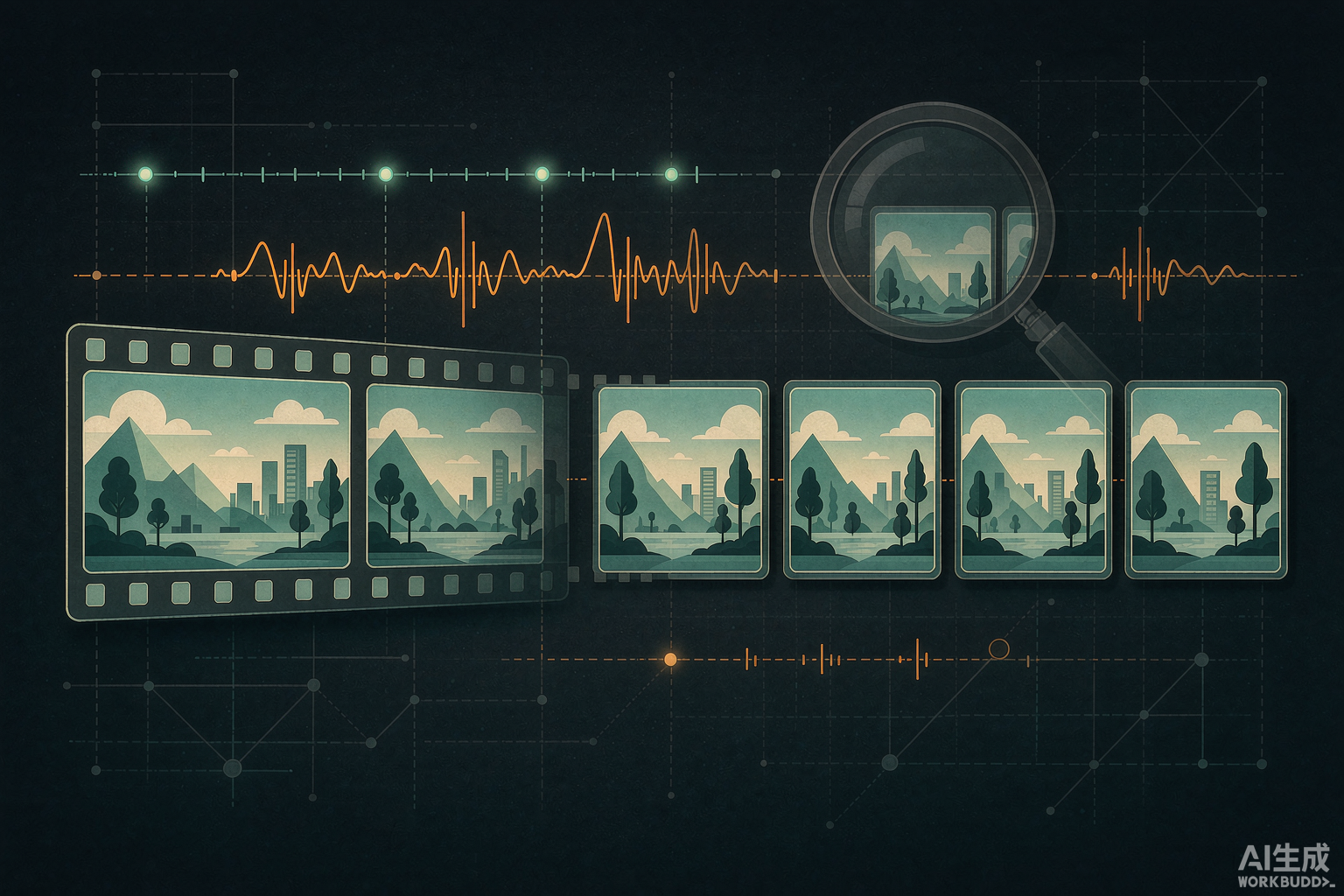
rea-video is an open-source command-line tool and AI-agent skill that reverse-engineers any video shot by shot. Given an MP4 file, it decides whether each shot was filmed with a camera, generated by an AI model, or rendered through code and templates — and then produces a plan for remaking it. The project lives at JuneYaooo/rea-video on GitHub, is written in Python, and is licensed under Apache-2.0. It has about 5,499 stars and 789 forks.
This guide explains what rea-video detects, how to install rea-video, how accurate its classifications are, what VIDEO.md is, and when rea-video is or is not worth using. Facts come from the project's GitHub README, its evaluation results and independent write-ups.
What rea-video detects
rea-video combines local FFmpeg processing with multimodal vision models and AI coding agents. Its output separates a mixed-media video into its component techniques. Here is what rea-video looks at in each file.
- Shot-by-shot provenance — classifies every shot as filmed, AI-generated, 3D-rendered or code-driven, weighted by shot duration, then reassembles them on the original timeline.
- Remake recipes — for each segment it writes reverse-engineered prompts, camera notes and lighting direction, splitting work into what must be filmed, generated or coded.
- Subtitle and text analysis — returns the start and end time of each caption line, exports styled text as SRT or ASS, and records colour, stroke and entrance style.
- Audio and editing analysis — detects real versus AI voice, music source and BPM, sound-effect hits, cut points and editing rhythm.
- Visual detail — covers ten visual types plus camera, lighting and colour grade.
How to install and run rea-video
rea-video is built for AI agents. In Claude Code, Codex or any agent that can run shell commands, you can say:
Install https://github.com/JuneYaooo/rea-video, then break down this video: /path/to/video.mp4
The agent installs the CLI, learns the workflow and runs the entire pipeline. Requirements are Python 3.10 or later and FFmpeg. For a manual setup:
brew install ffmpeg
git clone https://github.com/JuneYaooo/rea-video
cd rea-video
pip install -e .
bash scripts/install_skill.sh
You can optionally connect a video-capable model such as Gemini or Doubao by giving the agent its endpoint and key. That improves live/AI/3D calls and adds a reverse-engineered prompt for every shot. It is not required: if your agent can see images, it can check uncertain shots itself.
Two outputs: report and VIDEO.md
Every rea-video breakdown produces two artefacts, one for people and one for rea-video's AI readers:
- report.html or PDF — a reader-friendly report with each shot's frames, evidence, prompts, camera and lighting notes, plus audio breakdown. Reports are written in the language you ask for, Chinese or English.
- VIDEO.md — a layered, open structured format that AI agents read token-efficiently. It provides a card summary, an overview, a one-line-per-shot timeline and one file per shot, keeping visual observations separate from tool measurements.
Other tools can read the same format through the videomd Python package. The format is documented publicly as an open standard.
How accurate is rea-video?
The project publishes accuracy for the how-it-was-made call, weighted by shot duration:
| Input | Tools only | With vision model | With agent visual review |
|---|---|---|---|
| Tuning set (15 clips) | 98.3% | — | — |
| Holdout (16 clips) | 99.6% / 98.9% | 99.6% / 99.8% | 99.6% / 99.8% |
| Re-encoded WeChat videos (10) | 88.6% | 99.6% | 100% |
On original, uncompressed files, the offline tools are usually enough. Videos downloaded from platforms have been recompressed, which removes noise evidence, so a visual check is needed to climb back above 99%. Real-asset detection sits at 97–99%, and on nine hand-labelled clips shot boundaries reach 95% recall and 94% precision. Full methodology is in eval/RESULTS.md in the repository. These are the project's own evaluations, not an independent audit.
When to use rea-video
rea-video fits developers, short-form video creators and teams studying reference footage: ads, AI shorts, AI music videos, product animation, UI demos and software tutorials. Use rea-video to learn how a reference was assembled, then split the remake into filmed, generated and coded work. A companion tool, capsule-cinema, can automate the AI-shot generation step from the rea-video breakdown, though live and code shots still need human execution.
It is overkill for straightforward vlogs or interviews with simple straight cuts. It also cannot produce the finished video itself — it writes a production plan — and the quickest path assumes an agent that can run shell commands, so users who only want a web page with an instant verdict will need to configure Python, FFmpeg and an agent first. Documentation is currently in Chinese.
Frequently asked questions
Does rea-video need a paid model?
No. Tools-only mode runs fully offline and free. A vision model is optional and mainly helps on recompressed platform downloads.
Can rea-video output the final video?
No. It analyses a reference and writes a production plan: prompts for AI shots, layout and motion timing for code shots, and a shooting plan for live shots.
What does rea-video output?
A human-readable report (HTML or PDF) and a machine-readable VIDEO.md package in every output folder.
Sources and verification
This overview is based on the project's GitHub README, its published evaluation results, the project documentation index and independent descriptions of the tool. The repository was updated on November 18, 2026, so check current docs before relying on a specific command or accuracy figure.